 meetcamchat
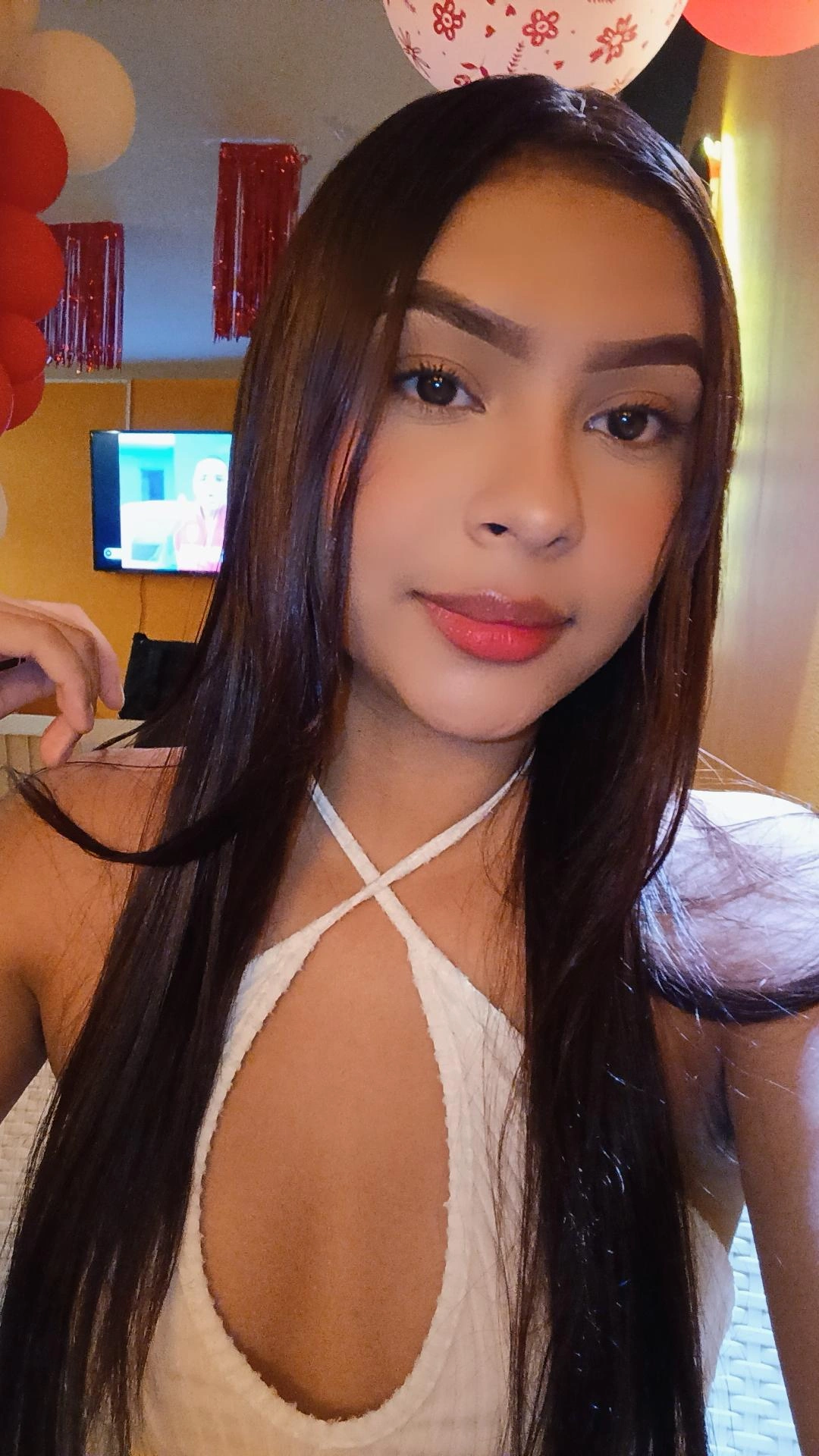



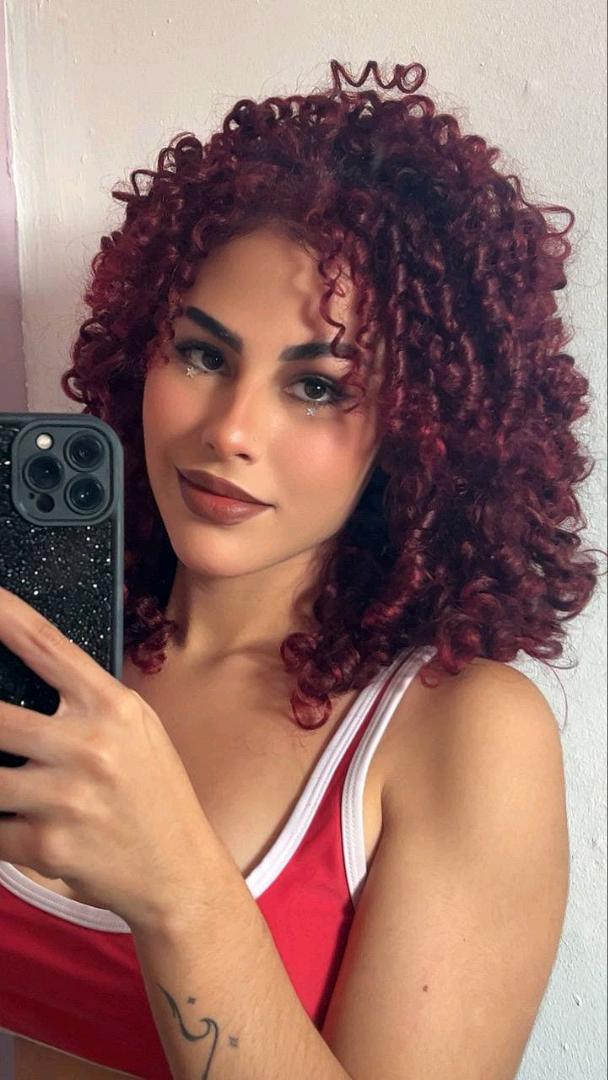




Meet cam chat with real girls, one to one
MeetCamChat puts you face to face with one girl at a time. Watch a live stream first if you like, or keep the camera off and talk by voice or text.
Start a cam chatNo sign-up · Free to start · Works in your browser
Live now
See allTap a card to open the Live tab and pick a stream.


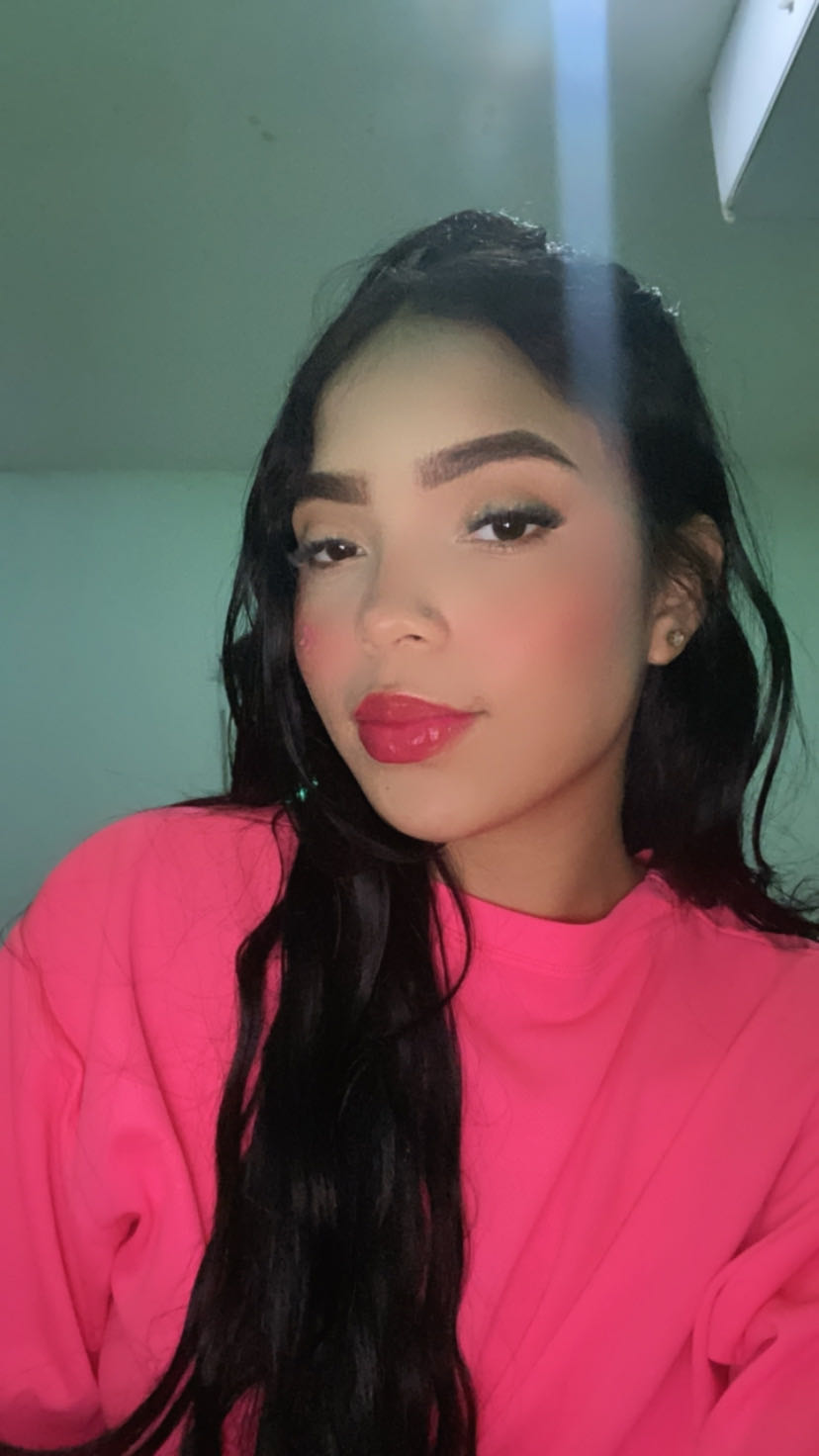

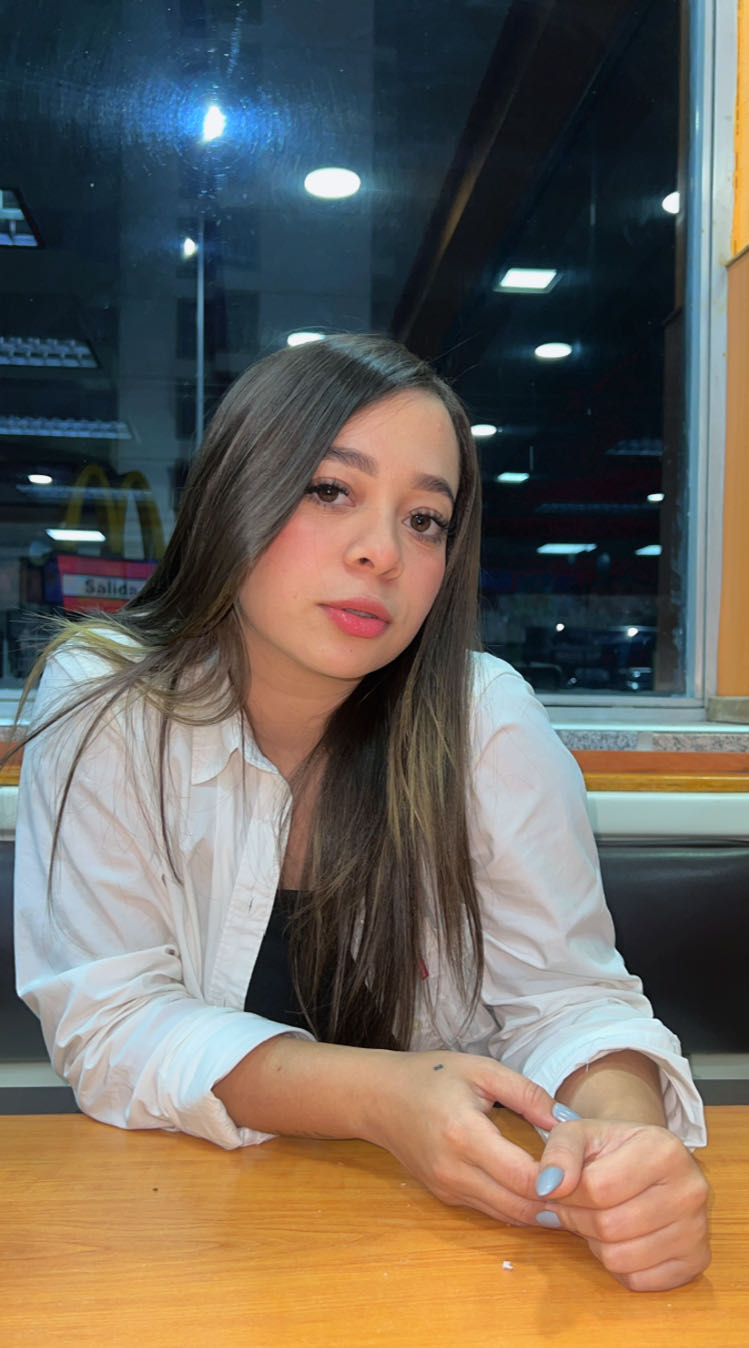
Scroll the clips
See allShort videos from girls on the site. Like one? Open her profile.



Less scrolling. More talking.
What is MeetCamChat?
MeetCamChat is a cam chat site that pairs you with one girl at a time on camera. Tap Start and a new face appears for a face-to-face video chat. If the camera can wait, switch to voice or text. If you would rather watch first, the Live tab has streams running.
Everything happens one to one. There are no group rooms and no audience, only you and the girl on the other side of the screen. Like the conversation? Follow her, and her profile stays a tap away for a message or a direct call later. Not feeling it? Tap Next and the search starts over.
People come for different reasons. Some want a quick random video chat after work, some want a slow conversation on a Sunday, some want to flirt, and some want to practise a language with a real person. If you like speed, start with random cam chat. If you like to know the steps before you begin, how MeetCamChat works walks through a first visit in order.
Want to meet girls and keep in touch afterwards? The meet chat guide explains how a first conversation turns into a second one.
A random video chat with no sign-up sounds simple, and it should be. Nothing stands between opening the page and seeing someone: no email to confirm, no password to invent, no profile to fill in before anyone will talk to you. If you decide to stay, a display name and a photo take a minute, and both are optional.
Cam, voice or text: which should you start with?
Start on camera if you want to see who you are talking to and you are somewhere you can speak freely. Pick voice when the room is a mess or the light is bad. Pick text when someone else is home, or when you simply want a slower first minute before anyone sees anyone.
| Cam | Voice | Text | |
|---|---|---|---|
| She sees | Your face, your room, your smile | Nothing; she only hears you | Only the words you type |
| Best for | Flirting, reading a reaction, a real face-to-face | Late nights, bad light, headphones on | Shared rooms, shy starts, a different language |
| Translation | None, so speak slowly | None, so keep it simple | Messages can translate automatically |
| Moving on | Tap Next | Tap Next | Tap Next |
All three sit along the bottom of the match screen, labeled Video, Audio and Text, and the one you select decides how your next match begins. Each has its own guide: random voice chat covers headphones and tone, random text chat covers first lines and translation, and cam to cam covers light, angles and when to switch the camera off.
Plenty of people use more than one mode in an evening. Picture a Friday: Text while your flatmate watches TV in the next room, Audio once they go to bed, Video when you have fixed the lamp. The mode you pick stays selected until you change it, so you never set it twice.
Can you watch a live stream before going 1v1?
Yes. Open the Live tab on the online list and pick any girl who is streaming. You can watch, write in the comments and send a gift. If you like her, a button inside the stream asks her for a one-to-one chat, so you never have to start a conversation cold.
A lot of people use streams as a warm-up. You hear how she talks and see what makes her laugh, so by the time you ask for a 1v1 you already have something to say. Going live yourself is not part of MeetCamChat; the streams come from girls on the site. You can switch rooms with a swipe, so trying a few costs nothing.
Open the Live tab
On the online list, switch from Online to Live. Every card there is a girl streaming at that moment.
Watch and say hi
Write in the comments, or send a gift with coins if you want her to notice you.
Ask for a 1v1
The video button inside the stream asks her for a one-to-one chat, away from the comments.
The live cam girls guide covers manners in the comments, how gifts work and what happens when a stream ends.
How does a random cam match start?
Tap Start a cam chat, let your browser use the camera and microphone, and the match screen starts looking for someone. When a girl is free, she appears in front of you. Say hello, talk for as long as it feels good, and tap Next whenever you want to meet someone new.
If nothing starts after a short wait, check that your browser has camera permission, since a blocked camera is the usual reason.
Tap Start
You arrive on the match screen as a guest. No form, no email, no password.
Allow camera and mic
Your browser asks once. Allow both for cam mode, or pick Audio or Text first to keep them off.
Say something real
Ask about something you can see on her side. If it is not clicking, tap Next for someone new.
Every new video chat starts the same way, which is part of the appeal. You do not know who will appear, she does not know you, and for a few seconds you are both deciding whether to say hello. Smile, say something, and the decision usually makes itself.
On a phone, you can add MeetCamChat to your home screen so it opens like any other app, with no store and no download.
Video chat with strangers, minus the awkward start
- Is that a cat behind you or a very fluffy pillow?
- It’s past midnight here. Is it morning or evening for you?
- Honest question: tea or coffee at this hour?
- Your accent is lovely. Where are you calling from?
The first ten seconds decide most matches, for her as much as for you. A few small habits make those seconds easier, and none of them needs new gear.
- Light in front, not behind. A lamp or window facing you beats any filter. A bright window at your back turns you into a silhouette.
- Camera at eye level. Stack two books under your phone. Few people look their best filmed from below the chin.
- Sound before picture. Earbuds with a mic stop the echo and let you talk at a normal volume, which matters at 1 a.m. with thin walls.
- Open with something specific. Her plant, her hoodie, the song playing behind her. A specific question gets an answer; hey gets a skip.
- Leave nicely. Moving on is fine. A quick wave before Next costs you one second.
An ordinary phone propped against a mug does the job. Before your first chat, the safety basics take two minutes to read and cover what to keep to yourself.
If a chat stalls, ask about her day before you ask about her. People talk more easily about something that happened an hour ago than about themselves in general.
People shorten us to MeetCam
The full name is a mouthful, so a lot of people just say MeetCam, and that suits us fine. However you typed it, meetcam, meet cam, cam meet or metcam, you are on MeetCamChat: the same site, the same girls and the same Start button.
The three words, Meet Cam Chat, describe the evening in order. You meet someone, the cameras come on, and you chat. Read the story behind the name if you are curious who is behind the site and what we decided not to build.
What’s free on MeetCamChat?
MeetCamChat is free to start. New visitors get free matches the moment they arrive, with no card and no sign-up, so a first evening costs nothing. Once you have used those, the next matches cost coins, and whether you buy any is entirely up to you.
Coins also pay for gifts in streams and chats. You buy them inside the site, and VIP is there for people who want it; neither one is needed to try MeetCamChat tonight. The coins page explains what uses coins, where to top up safely and what to do if a purchase does not appear. Every feature, from follows to translation, is laid out on the features page.
If you are curious rather than committed, that is the right way to use it. Try a few matches tonight, see how it feels, and decide later whether coins are worth it to you.
Before you say hello
Answers before your first match.
The questions people ask before their first match, answered short and in plain words.
Is MeetCamChat what people mean by MeetCam?
That’s us. MeetCam is the short name plenty of people use for MeetCamChat. Same site, same girls, same match screen; the full name just takes longer to type.
Do I need to sign up?
No. You start as a guest the moment the page opens, so you can tap Start straight away. Adding a profile photo or changing your display name is optional, now or later.
How much does MeetCamChat cost?
It is free to start. Newcomers get free matches, and the Reward Center on the match screen hands out more for staying online, several times a day. Coins only come in after those are used.
Is there an app to install?
No download is needed. MeetCamChat opens in Chrome, Safari, Edge or Firefox, on a phone or a computer. For an icon on your phone, add the site to your home screen and it opens full screen.
Can I pick who I talk to?
Yes. Random matching is one way in and the online list is the other. Open any profile there and send her a message or call her directly from it.
What does the Next button do?
It ends the current chat for both of you and starts a new search in the same mode. Neither of you has to explain. When she moves on, your chat simply ends and the search starts again.
Can I find the same girl again?
Follow her while you are still chatting. She stays in your list afterwards, and her profile lets you message her or start a chat with her on another day.
What if she speaks another language?
Text messages can be translated automatically, so each of you reads the other in your own language. Voice and camera chats are not translated, so slow down and keep sentences short.
Can I chat with my camera off?
Yes. Choose Audio on the match screen to talk by voice, or Text to type. Your camera stays off in both, and you can change mode before any new match.
Where are the people on MeetCamChat from?
From more than 50 countries. Roughly one in five is in the US, and the UK, Germany, Canada and France are among the bigger groups after that.
Can I see her before she sees me?
Not in random matching, where both cameras come on together in Video mode. If you want to look first, open the Live tab or browse the online list before starting anything.
Can I just watch for a while?
Yes. Open the Live tab to watch girls who are streaming, or scroll the short clips. Users cannot start their own streams, but every face you see has a profile you can open.
What should I keep private?
Your full name, home address, workplace and anything that ties your face to where you live. If someone keeps pushing for those details, tap Next and report them.
Why do some chats end so fast?
When every match is random, both sides decide quickly, and that is normal. A specific first question about something you can see on her side keeps far more chats going.
What are gifts for?
Gifts are small virtual presents you send with coins, in a live stream or during a chat. They are a way to say you are enjoying the conversation, and they are always optional.
Can I use MeetCamChat on a laptop?
Yes. On a laptop or desktop the match screen uses your webcam, and the online list opens in a wider layout with more faces per row. Any current browser works.
27,615 people online
Somebody new is waiting on camera.